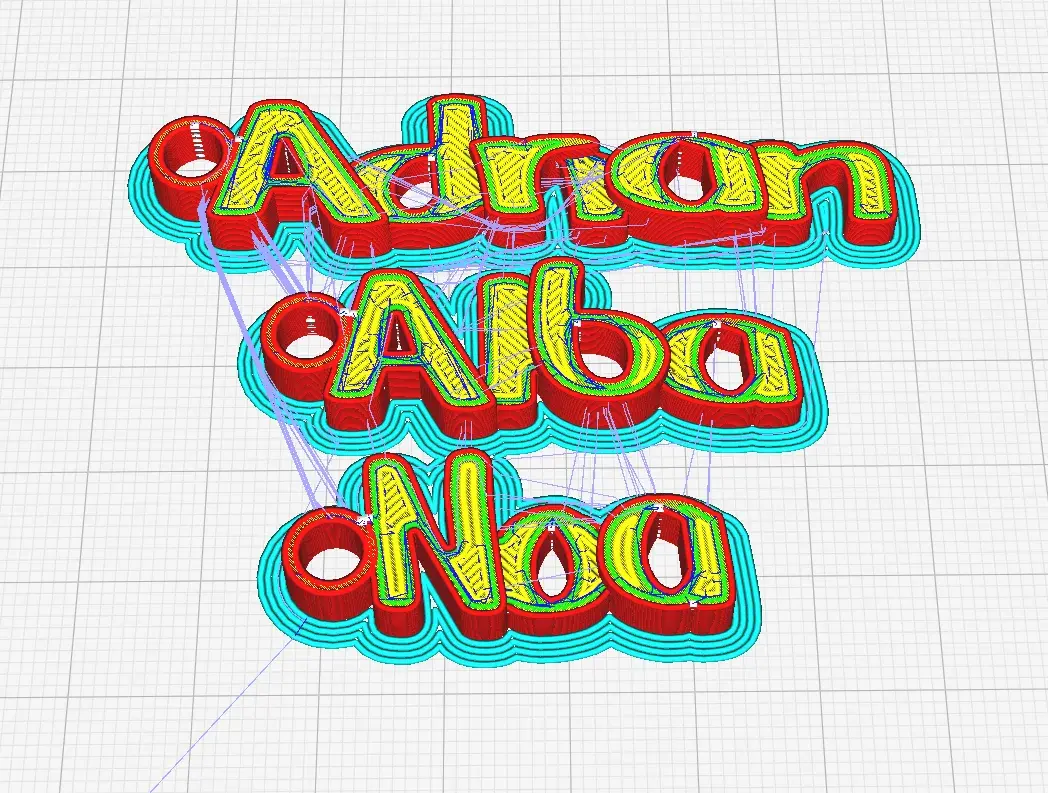
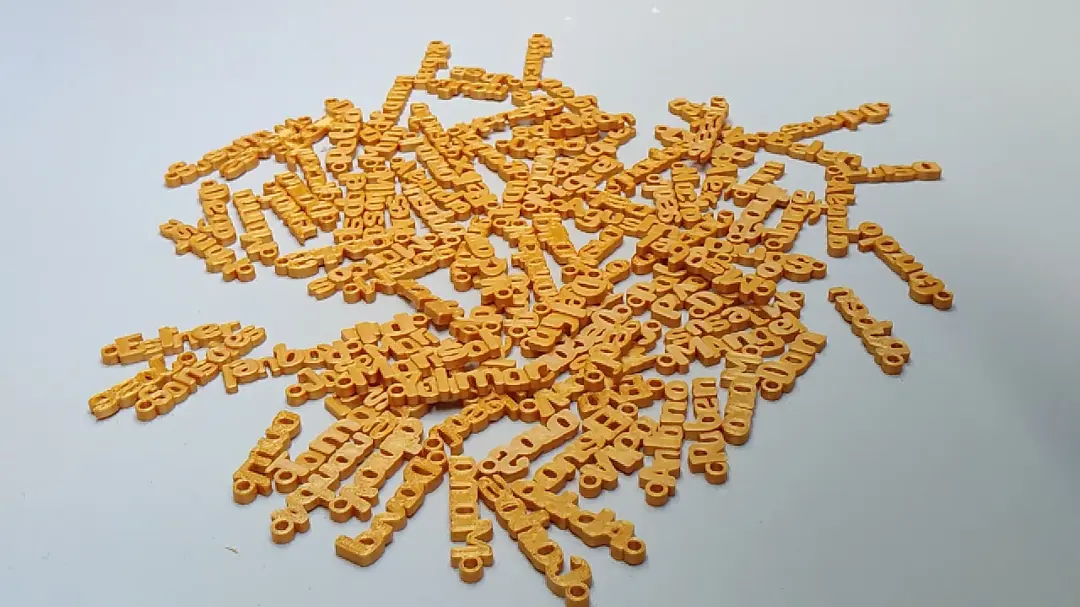
Free Personalized Keychains for 3D Printing
Here you can bring your name or any word to life, turning it into a custom 3D keychain. With a single click, you'll generate an .STL file ready to print on your filament 3D printer. Whether it's for gifting, personalizing your keys, or just for fun, this tool is designed to make creation easier. Explore your creativity and start designing your own keychain today!
Step 1: Enter the word you want to turn into a keychain
Step 2: Download the .STL file for free
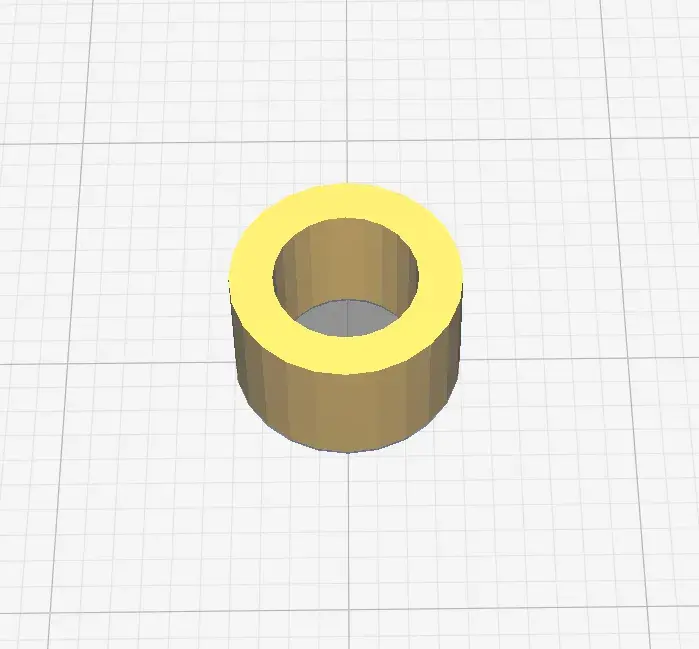
Step 3: Download the ring for your keychain
The ring is an essential part of your keychain. You can download it for free at the following link:
Step 4: Print in 3D and enjoy your personalized keychain
1. Use a slicing program to prepare the .STL file for your 3D printer. If you don't have one, we recommend Cura, which is free and easy to use.
2. Double-click the downloaded model to open it in your slicing program.
3. Adjust the size of the keychain. We recommend a length of 35–40 mm, a height of 15–20 mm, and a thickness of 5 mm.
4. Add the ring to your keychain and place it on the first letter so it slightly overlaps. It's important that both the ring and the keychain have the same thickness so they fuse properly.
5. Adjust your print settings. Print speed depends on your printer; we use 50 on an Anycubic Kobra. We recommend a 0.2 mm layer height and enabling ironing if supported. Set the build plate adhesion to 'Brim' so the keychain sticks to the base.